
 Dead By Daylight
Verified
Horror Attraction Banner
Redeem Horror Attraction Banner
How to Redeem "Horror Attraction Banner"
- Launch Dead by Daylight on your gaming device (PC, PlayStation, Xbox, or Nintendo Switch).
- Enter the in-game Store from the main menu.
- Click the Redeem Code button in the upper right corner of the screen.
- Enter the code
i2jh43i5nexactly as shown. - Claim your reward and enjoy Horror Attraction Banner in your inventory!
More Working Dead By Daylight Codes
View All Codes
Horror Attraction Banner: Verification, FAQs & Reward Specifications
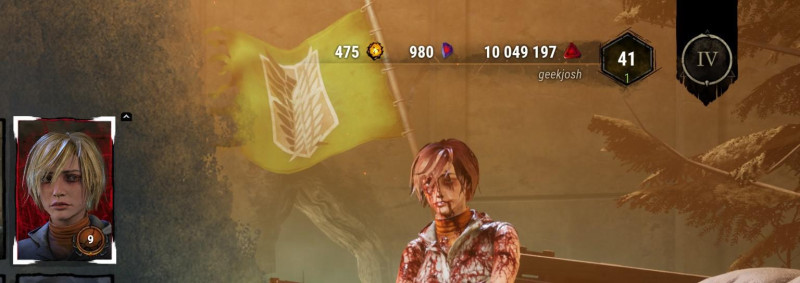
Horror Attraction Banner is a verified promo drop in Dead by Daylight that grants players immediate access to Special Banner directly through the official in-game store.
How Do I Redeem Horror Attraction Banner in Dead by Daylight?
Launch Dead by Daylight, open the in-game Store, click the Redeem Code button in the top-right corner, enter your code, and confirm to claim your reward.
What Does Horror Attraction Banner Unlock in the Game?
This verified promo grants Special Banner categorized under Profile Banner, allowing survivors and killers to customize their profile and character progression.
Are Dead by Daylight Codes Safe and Guaranteed?
Yes. All codes featured on DBD Codes are tested daily in-game and redeemed directly through Behaviour Interactive's official client with zero third-party downloads.
When Does This Horror Attraction Banner Promo Expire?
While standard event codes last for limited promotional periods, DBD Codes monitors code status 24/7 to ensure active codes remain 100% redeemable.
Verified Behaviour Interactive In-Game Specifications
"Promo codes provide official access to in-game trial rewards, allowing Dead by Daylight players to enhance survivor builds and killer loadouts." — Official Release Notes
| Reward Name | Reward Category | Delivered Value | Platform Compatibility | Redemption Status |
|---|---|---|---|---|
| Horror Attraction Banner | Profile Banner | Special Banner | Crossplay Universal (PC, PS, Xbox, Switch) | 100% Tested Working |